Cloud vs Local: Which Budget Gaming Path Should You Choose?
1/29/2026 · Gaming · 7 min
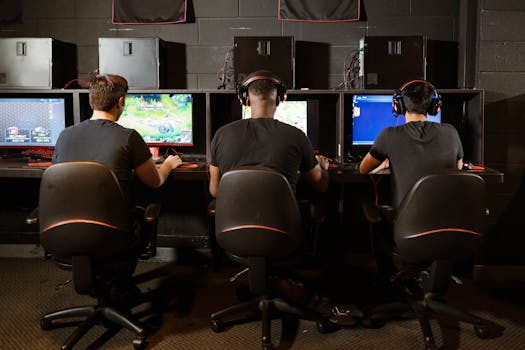
TL;DR
- Cloud gaming is cheaper up front and works on low end hardware but needs fast internet and can add input lag.
- Local PCs cost more initially but give lower latency, better performance, and offline play.
- Best picks by use case:
- Casual players with good broadband: cloud subscription on TV or phone.
- Competitive players: local PC or console with wired connection.
- Mixed use and limited budget: a modest local PC paired with game streaming at home.
Cost and Value
- Cloud gaming: low initial cost, recurring subscription fees, optional controller purchase.
- Local PC: higher upfront cost for GPU and CPU, but no monthly fees and more upgrade paths.
- Consider total cost of ownership over 1 to 3 years when comparing.
Performance and Latency
- Local hardware has lower input latency and more consistent frame rates.
- Cloud streaming depends on server load and network conditions and can add noticeable lag.
- Use wired ethernet or Wi Fi 6/6E for best cloud performance.
Internet Requirements
- Recommended minimums vary but aim for 15 to 35 Mbps for 1080p streaming and 35+ Mbps for 4K.
- Stability and low jitter matter more than raw bandwidth for a smooth experience.
Controls and Compatibility
- Cloud services support controllers and sometimes keyboard and mouse; check each service.
- Local PCs support wide peripheral choices and mods.
Library and Game Ownership
- Cloud services often require you to use their store or subscriptions; you may not own the games.
- Local PCs allow ownership through stores like Steam, plus backups and mods.
Offline Play and Reliability
- Cloud needs internet access and can go down due to outages or server maintenance.
- Local systems work offline and are more future proof for single player experiences.
Which Should You Choose?
- Choose cloud gaming if you want minimal upfront cost, play casual titles, and have a robust internet connection.
- Choose local PC if you prioritize competitive play, maximum performance, and long term ownership.
- A hybrid approach works well: modest local hardware plus streaming when away from home.
Buying Checklist
- For cloud: check latency, broadband caps, and controller compatibility.
- For local: prioritize GPU and CPU balance, SSD storage, and a good power supply.
- For both: prefer wired connections and test trial periods where available.
Bottom Line
Cloud gaming makes gaming accessible on a budget but trades latency and ownership for convenience. Local PCs demand more upfront spend but deliver the best responsiveness and long term value. Choose based on your internet, game preferences, and tolerance for recurring costs.
Found this helpful? Check our curated picks on the home page.