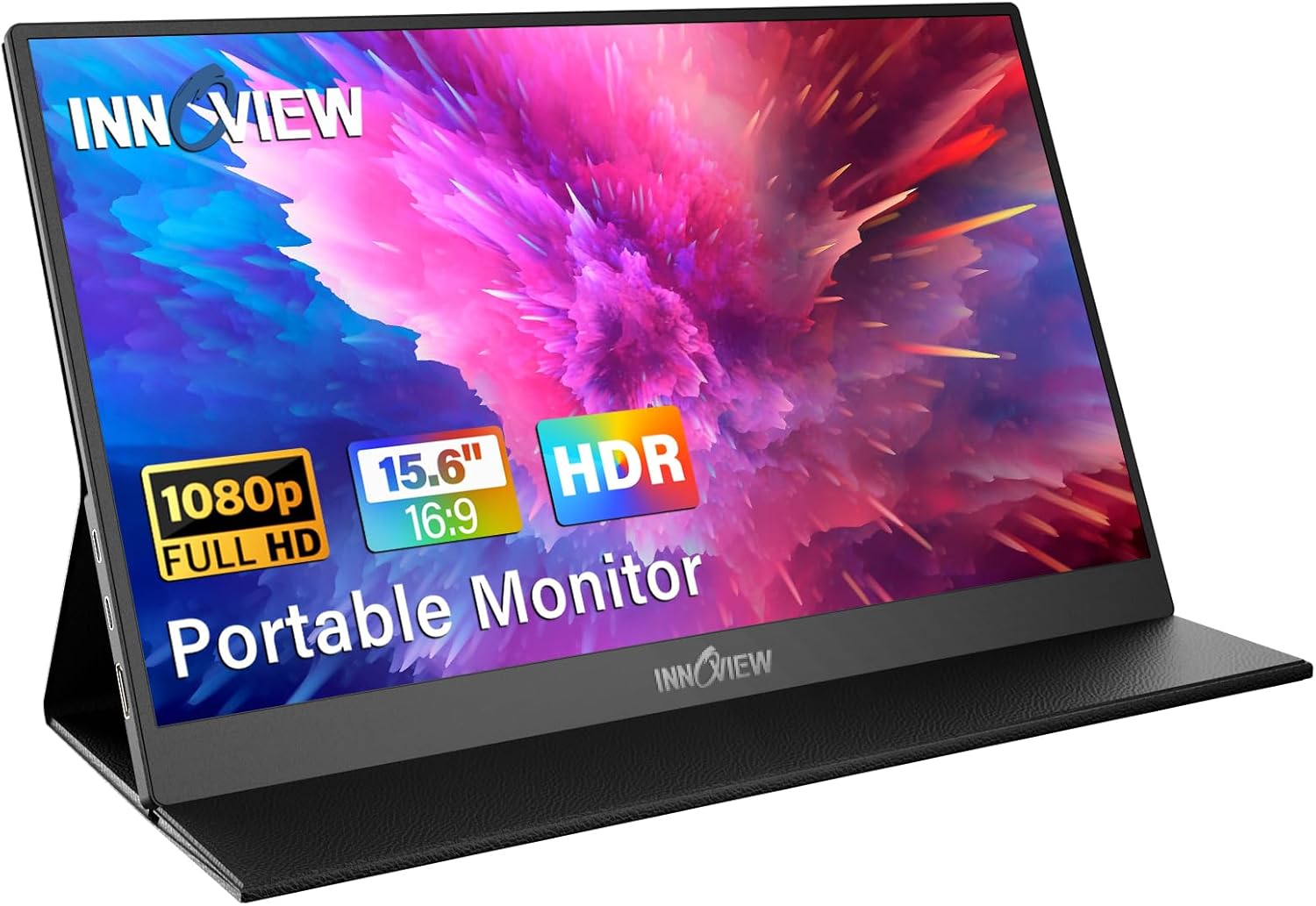
E Ink vs LCD: Which Portable Display Should You Buy?
9/21/2025 · Portable Displays · 7 min

TL;DR
- E Ink excels at long reading sessions, sunlight visibility, and battery life, but has slow refresh and limited color. Ideal for note taking, reading, and low motion work.
- LCD offers full color, fast refresh, and wide compatibility. Better for video, image editing, and interactive apps.
- Best picks by use case:
- Reading and long battery life: 6 to 13 in E Ink with front light and capacitive touch.
- Note taking: E Ink with active stylus and good latency.
- Travel content or presentations: 13 to 15 in USB-C powered LCD with 60 to 120 Hz.
- Photo or video previewing: Color accurate IPS LCD with good brightness.
Core differences
- Pixel tech: E Ink uses electrophoretic microcapsules to form static images that draw almost no power. LCD uses liquid crystals and backlight that consume continuous power but support full color and fast updates.
- Motion: E Ink is noticeably slower on page turns and animations. Modern panels have faster partial refresh and ghost reduction, but cannot match LCD for smooth motion.
- Power: E Ink screens can run for days or weeks on a single charge under typical reading use. Portable LCDs usually last hours depending on brightness and backlight usage.
Size & Use cases
- Small E Ink (6 to 10 in): Best for dedicated reading and single hand portability.
- Large E Ink (10 to 13 in): Good for note taking and document review with stylus.
- Portable LCD (13 to 17 in): Better for laptop second screen, media, and creative previews.
Resolution & clarity
- E Ink: High perceived sharpness for text due to reflective display properties. Effective for long form reading and PDFs when resolution matches page layout.
- LCD: Higher pixel density models show crisp text and detailed images. Color and contrast depend on panel type and backlight.
Refresh and responsiveness
- E Ink: Typical partial refresh rates are suitable for page turns and handwriting but feel sluggish for scrolling and animations. Not recommended for gaming or video.
- LCD: 60 to 120 Hz options are common. LCDs are responsive for smooth scrolling, video playback, and interactive work.
Stylus and note taking
- E Ink: Many models support active styluses with decent palm rejection and low power. Latency varies; the best E Ink note devices feel natural for handwriting and annotation.
- LCD: Active styluses on LCD are fast and support pressure sensitivity for detailed drawing, but they add cost and can reduce battery life.
Color and media consumption
- E Ink: Monochrome or limited color. Great for text, poor for photos and video.
- LCD: Full color and backlight enable movies, photo editing, and web content. Choose IPS or OLED for better color accuracy and viewing angles.
Connectivity and power
- Many portable LCDs use USB-C for both display input and power delivery. Check PD wattage and whether the host can drive external power.
- E Ink devices often have dedicated batteries and may connect via USB-C or wireless casting. Some E Ink monitors rely on the host for power through USB-C but at much lower draw during static pages.
Battery life expectations
- E Ink: Days to weeks for reading-heavy use. Battery use spikes when refreshing or using the stylus.
- LCD: Typically 4 to 12 hours depending on brightness, refresh rate, and whether the backlight is dimmed.
Portability and build
- E Ink: Usually lighter due to small backlighting needs and optimized for handheld ergonomics. Cases and covers often double as stands.
- LCD: Thinner 13 to 17 in models are portable but heavier. Look for foldable stands and protective cases for travel.
Which should you buy?
- Choose E Ink if you mostly read, annotate PDFs, take long notes, or need excellent sunlight readability and long battery life.
- Choose LCD if you need full color, fast refresh, video playback, or a flexible second screen for a laptop.
Buying checklist
- Primary use: reading and notes vs media and interactivity.
- Stylus support: active stylus and latency for handwriting.
- Connectivity: USB-C display alt mode and power delivery compatibility.
- Size and weight: match your travel needs and desk space.
- Battery life: E Ink for long duration, LCD for power when plugged in.
- Color fidelity: IPS or OLED for accurate color on LCD models.
Bottom line
If your day is mostly reading, editing documents, and long battery life matters, pick an E Ink device. If you need color, speed, and versatility for media or creative work, pick a portable LCD. Both categories have strong options, so prioritize your main tasks and choose the panel that matches them.
Found this helpful? Check our curated picks on the home page.