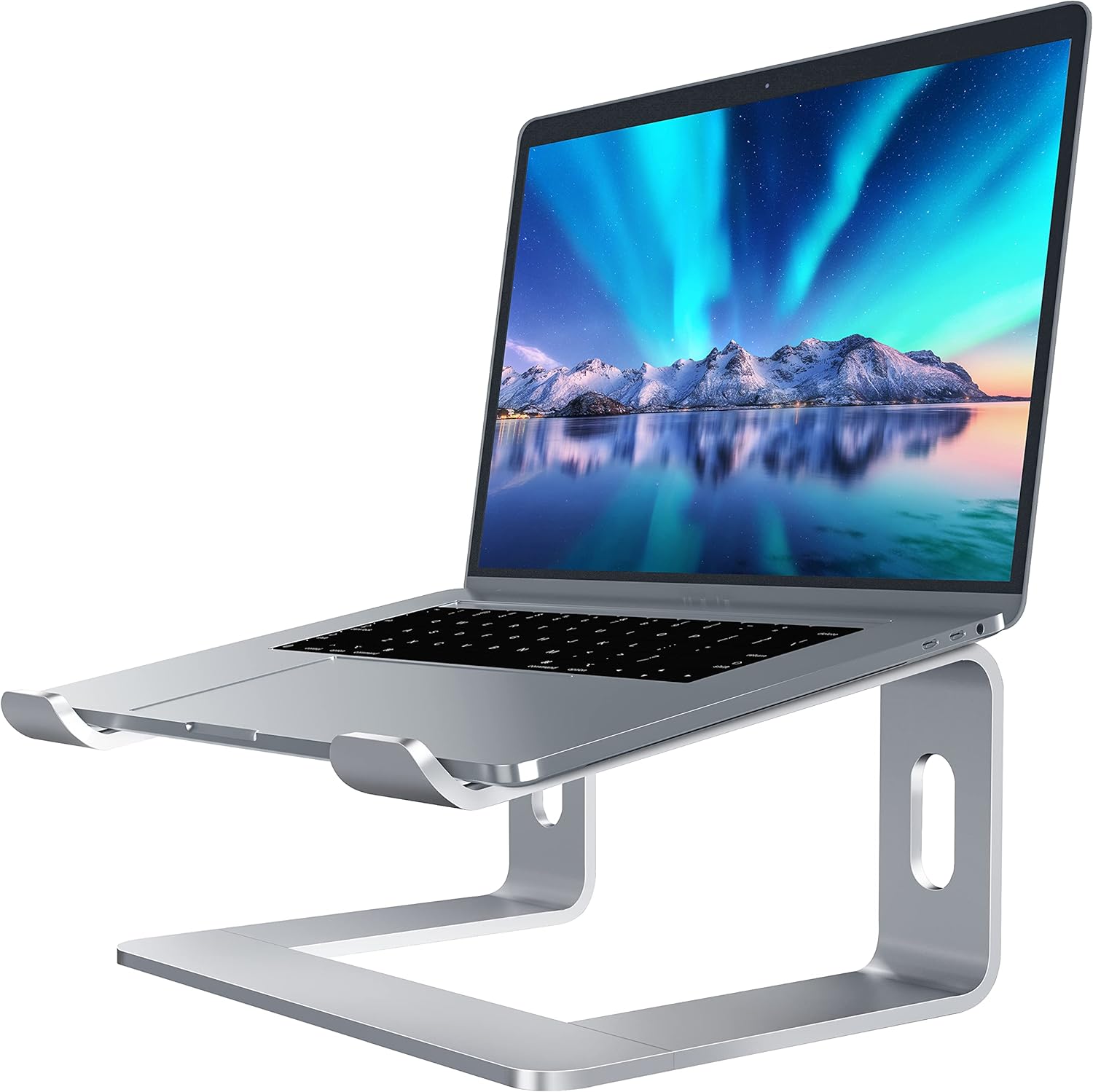
Elevated Docking Station vs. Portable Stands: Which Ergonomic Laptop Accessory to Choose?
4/12/2026 · Laptop Accessories · 8 min

TL;DR
- Elevated docking stations are ideal for stationary setups, offering better cable management and connectivity options.
- Portable laptop stands are lightweight and versatile, perfect for mobile professionals.
What is the difference
Elevated Docking Stations
- Designed for fixed workstations.
- Integrated with multiple ports for enhanced connectivity.
- Built-in cooling systems in some models.
Portable Stands
- Compact and lightweight, easy to carry.
- Primarily for ergonomic laptop positioning.
- Minimal or no integrated ports.
Ergonomics
Elevated Docking Stations
These offer a more stable platform, often with adjustable height options, making them ideal for long work sessions at a desk.
Portable Stands
While not as stable as docking stations, these stands improve posture and help avoid neck strain during on-the-go use.
Portability
Elevated Docking Stations
Bulky and designed to stay in one place, making them unsuitable for frequent travel.
Portable Stands
Foldable and lightweight, easily fitting into a backpack or laptop bag for travel.
Connectivity and Features
Elevated Docking Stations
- Often include multiple USB-A and USB-C ports.
- Some models support external monitors, Ethernet ports, and card readers.
- Great for users who need a seamless multi-monitor or multi-device setup.
Portable Stands
- Limited or no connectivity features.
- Focus is on providing a comfortable typing and viewing angle rather than additional ports.
Price Point
Elevated Docking Stations
Typically priced higher, ranging from $80 to $300 depending on features like port variety and build quality.
Portable Stands
More budget-friendly, with options starting as low as $20 and going up to $100 for premium models.
Who Should Choose What
Elevated Docking Stations
- Ideal for professionals working from a permanent desk setup.
- Great for those who need multiple peripherals connected at once.
Portable Stands
- Best for students, freelancers, and remote workers who are frequently on the move.
- Perfect for those prioritizing portability over additional features.
Pros and Cons
Elevated Docking Stations
Pros
- Advanced connectivity options.
- Improved cable management.
- Better stability and ergonomics for stationary setups.
Cons
- Not portable.
- Higher price point compared to portable stands.
Portable Stands
Pros
- Lightweight and compact.
- Affordable price range.
- Easy to set up and carry anywhere.
Cons
- Limited or no connectivity features.
- Less stable compared to docking stations.
Bottom Line
If you work primarily from a desk and need multiple connectivity options, an elevated docking station is the better choice. However, if you need a lightweight and portable solution for ergonomic laptop use on the go, a portable stand is the ideal pick.
Found this helpful? Check our curated picks on the home page.