External DAC vs Built-In Audio: Which Should You Choose?
4/15/2026 · Audio · 8 min read
TL;DR
- Most modern laptops and phones have decent built-in DACs, but an external DAC can noticeably improve audio quality — especially with higher-impedance headphones.
- If you hear hiss, interference, or distortion from your current output, an external DAC is the easiest fix.
- You don't need to spend a fortune: solid USB DACs start around $30–50 and deliver real improvements.
- For casual listening through Bluetooth earbuds or basic speakers, the built-in DAC is usually fine.
- External DACs shine for critical listening, music production, and driving demanding headphones or studio monitors.
- Portability matters: dongle DACs are pocket-sized, while desktop units offer more features and power.
What is a DAC and why does it matter?
DAC stands for Digital-to-Analog Converter. Every device that plays audio has one — it converts the digital audio file into an analog signal your headphones or speakers can reproduce. The quality of that conversion directly affects what you hear: detail, dynamic range, noise floor, and overall fidelity.
Every smartphone, laptop, tablet, and desktop motherboard includes a built-in DAC. The question is whether that built-in chip is good enough for your needs or whether an external unit would make a meaningful difference.
How built-in audio has improved
Ten years ago, built-in audio was often genuinely terrible. Motherboard audio suffered from electrical interference, tinny output, and anemic amplification. That's changed significantly. Modern devices use respectable chips — Apple's MacBooks and iPhones, for instance, measure surprisingly well. Many Windows laptops now include Realtek ALC-series codecs that handle 24-bit/96kHz without breaking a sweat.
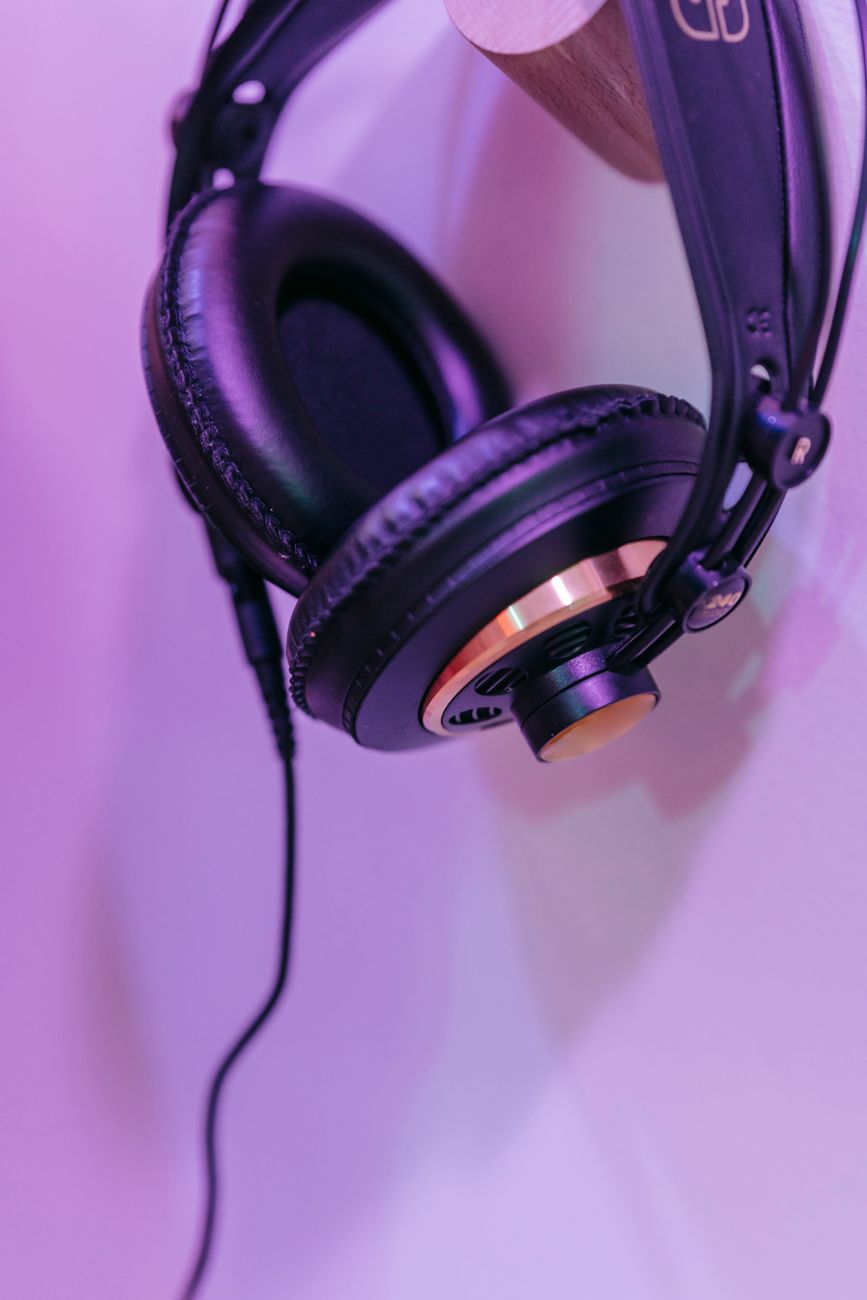
That said, "good enough" depends entirely on the rest of your signal chain. If you're using $20 earbuds, even a mediocre DAC won't be the bottleneck. But pair a laptop with a set of Sennheiser HD 600s or Hifiman Sundara headphones, and you'll likely notice the limitations.
When an external DAC makes a real difference
There are a few scenarios where upgrading to an external DAC is clearly worthwhile:
- Audible noise or interference. If you hear hiss, buzzing, or crackling through your headphones when plugged into your laptop, that's electrical noise from nearby components bleeding into the audio path. An external DAC moves the conversion outside the noisy chassis.
- High-impedance headphones. Headphones above 80 ohms often need more voltage than a phone or laptop jack can deliver. An external DAC/amp combo provides the necessary power.
- Critical listening or mixing. If you're producing music, mixing podcasts, or mastering audio, you need a clean, accurate signal chain. Built-in audio introduces too many variables.
- Desktop setups with passive speakers. Driving bookshelf speakers through an amplifier chain benefits from a clean line-level output that most motherboards can't reliably provide.
When built-in audio is perfectly fine
Don't let audiophile marketing convince you that everyone needs a $200 DAC. Built-in audio works well in these situations:
- Bluetooth headphones or earbuds (they have their own DAC inside)
- Casual music listening, podcasts, or video calls
- Powered desktop speakers with their own amplification
- Any scenario where ambient noise masks subtle audio differences
If you're listening on a train, in a coffee shop, or through laptop speakers, an external DAC won't meaningfully change your experience.
Dongle DACs vs desktop DACs
External DACs come in two broad form factors, and they serve different use cases.
| Feature | Dongle DAC | Desktop DAC |
|---|---|---|
| Price range | $10–80 | $80–500+ |
| Size | Thumb drive or small stick | Deck-of-cards to paperback |
| Power source | USB bus-powered | USB or dedicated power supply |
| Output power | Low to moderate (typically < 100 mW) | Moderate to high (up to 1W+) |
| Headphone impedance range | Up to ~150 ohms comfortably | Up to 600 ohms |
| Volume control | Usually digital or inline button | Physical knob |
| Extra outputs | 3.5mm, sometimes 4.4mm balanced | 6.3mm, 4.4mm, RCA, XLR |
| Best for | Phone/laptop on the go | Desk setup, studio monitors |
Dongle DACs like the Apple USB-C dongle ($9), Meizu HiFi Pro ($40), or iFi Go Bar ($110) are remarkably capable for their size. Desktop units like the Schiit Modi ($99), Topping D10s ($100), or iFi Zen DAC ($200) offer more power, more connectivity, and a better experience at a desk.
DAC vs DAC/amp combos
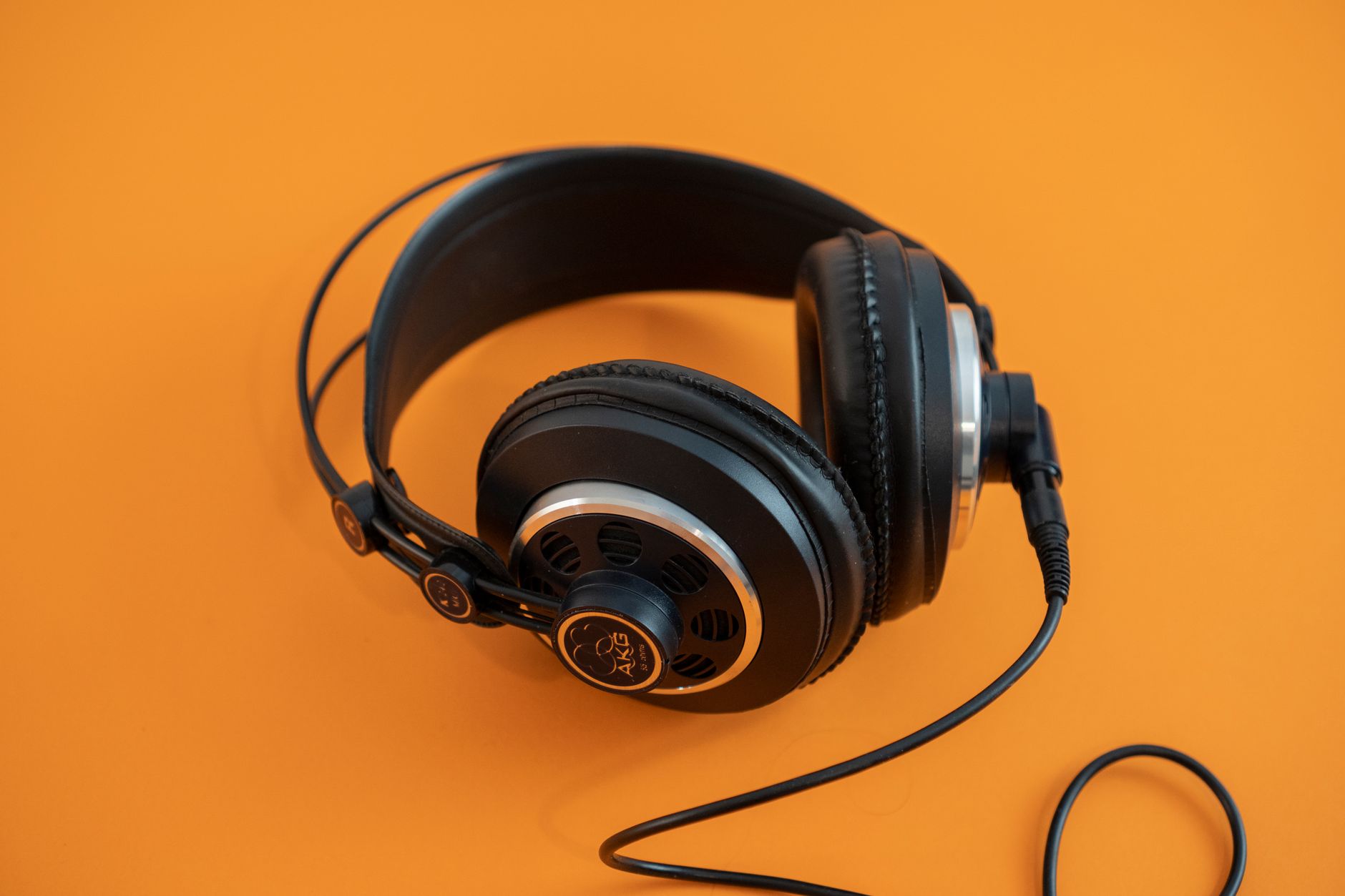
This is a common point of confusion. A DAC converts digital to analog. An amplifier boosts the signal to drive headphones or speakers. Many external units combine both functions.
If your headphones are low-impedance (under 32 ohms) and high-sensitivity, a standalone DAC feeding into a powered speaker or headphone with its own amp is fine. But for most headphone users, a DAC/amp combo is the practical choice — it simplifies the chain and ensures the amp stage is matched to the DAC's output.
Popular combos include the FiiO K7 ($200), Schiit Magni+Modi stack ($200), Topping DX3 Pro+ ($200), and the JDS Labs Atom DAC+ and Amp+ ($200 combined). All of these will comfortably drive headphones from 16 to 600 ohms.
Key specs that actually matter
DAC specs can be overwhelming. Here's what's worth paying attention to and what's mostly marketing:
Worth caring about:
- Output impedance — Lower is better. Ideally under 1 ohm for headphones to avoid frequency response alterations.
- Output power — Measured in milliwatts at your headphone's impedance. More power means cleaner volume at higher levels.
- Signal-to-noise ratio (SNR) — Above 110 dB is excellent. Above 100 dB is good. Below 90 dB and you might hear noise.
- Supported sample rates — 24-bit/96kHz covers virtually all music. Higher is nice but rarely necessary.
Mostly marketing:
- THD+N differences below 0.01% — inaudible to humans in real listening conditions.
- "Hi-Res Audio certified" badges — a marketing label, not a quality guarantee.
- DSD support — unless you specifically collect DSD files, irrelevant.
- MQA decoding — a declining format with questionable benefits.
Latency considerations for gamers and producers
Latency matters if you're gaming competitively or recording audio. Built-in audio typically runs at 10–30 ms latency through standard drivers. External DACs using ASIO drivers (Windows) or Core Audio (macOS) can achieve under 5 ms, which is critical for real-time monitoring during recording.
For gaming, most external DACs add negligible latency — typically under 1 ms for the conversion itself. The bigger factor is your audio driver stack. On Windows, WASAPI exclusive mode or ASIO bypasses the system mixer and reduces latency regardless of whether you use built-in or external audio.
Compatibility and platform quirks
Most USB DACs are plug-and-play on macOS and Linux. Windows sometimes requires manufacturer drivers, though many modern DACs use the USB Audio Class 2.0 standard and work without extra software.
On Android, USB DAC support varies by phone manufacturer. Most flagship phones from Samsung, Google, and OnePlus work fine with a USB-C DAC. Some budget phones may not output audio over USB-C at all.
iPhones work with Lightning-to-USB or USB-C DACs natively, and Apple's own $9 USB-C dongle is widely regarded as one of the best budget DACs available — clean output, low noise, and enough power for most IEMs and low-impedance headphones.
How to test whether you need one
Before spending money, try this simple test. Play a quiet, well-recorded acoustic track through your current headphone output. Listen for:
- Background hiss when nothing is playing
- Buzzing that changes when you move the mouse or scroll (common on desktops)
- Distortion or clipping at higher volumes
- Thin, lifeless sound compared to what you've heard elsewhere
If you notice any of these, an external DAC will likely help. If everything sounds clean and you're happy with the volume and dynamics, your built-in audio may be perfectly adequate.
Budget recommendations by use case
Phone/laptop on the go ($10–50): Apple USB-C to 3.5mm dongle, Meizu HiFi Pro, or CX Pro. These tiny dongles clean up the signal and drive most earphones and portable headphones without issue.
Desktop casual listening ($50–150): Topping D10s or Schiit Modi paired with powered speakers, or a FiiO K5 Pro as an all-in-one for headphones.
Serious headphone listening ($150–300): Schiit Magni+Modi stack, JDS Labs Atom stack, or Topping DX5 for a single-box solution that drives everything from IEMs to planar magnetics.
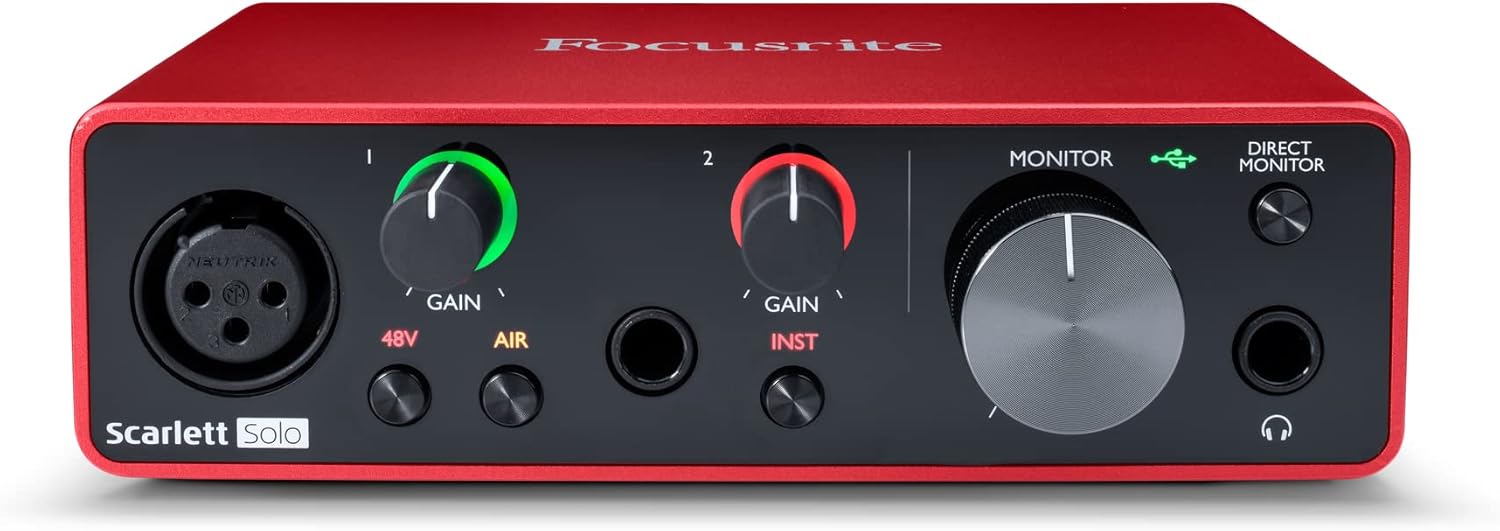
Music production ($150–400): A proper audio interface like the Focusrite Scarlett 2i2, MOTU M2, or SSL2 gives you mic preamps, balanced outputs, and low-latency monitoring alongside a quality DAC.
Bottom line
For most people using Bluetooth earbuds or basic wired headphones, the built-in audio on a modern device is good enough — don't fix what isn't broken. But if you've invested in quality headphones, if you hear noise or distortion from your current setup, or if you're doing any audio production work, an external DAC is one of the most cost-effective upgrades you can make. Start with a $9 Apple dongle or a $30 dongle DAC and see if you notice the difference. If you do, a $100–200 desktop unit will take it further without diminishing returns setting in too quickly.
Found this helpful? Check our curated picks on the home page.