Micro-ATX vs Mini-ITX: Which Small Form Factor is Right for You?
4/14/2026 · PC Building · 8 min
TL;DR
- Micro-ATX offers better expandability and is more affordable for budget builds.
- Mini-ITX is perfect for ultra-compact setups but comes at a higher cost and with more thermal challenges.
What Are Micro-ATX and Mini-ITX?
- Micro-ATX: A small form factor motherboard measuring up to 244mm x 244mm. It supports up to four PCIe slots and is compatible with a wide range of cases.
- Mini-ITX: A more compact motherboard at 170mm x 170mm. It typically has only one PCIe slot and fewer expansion options.
Both form factors target compact PC builds, but they cater to different needs and priorities.
Size and Case Compatibility
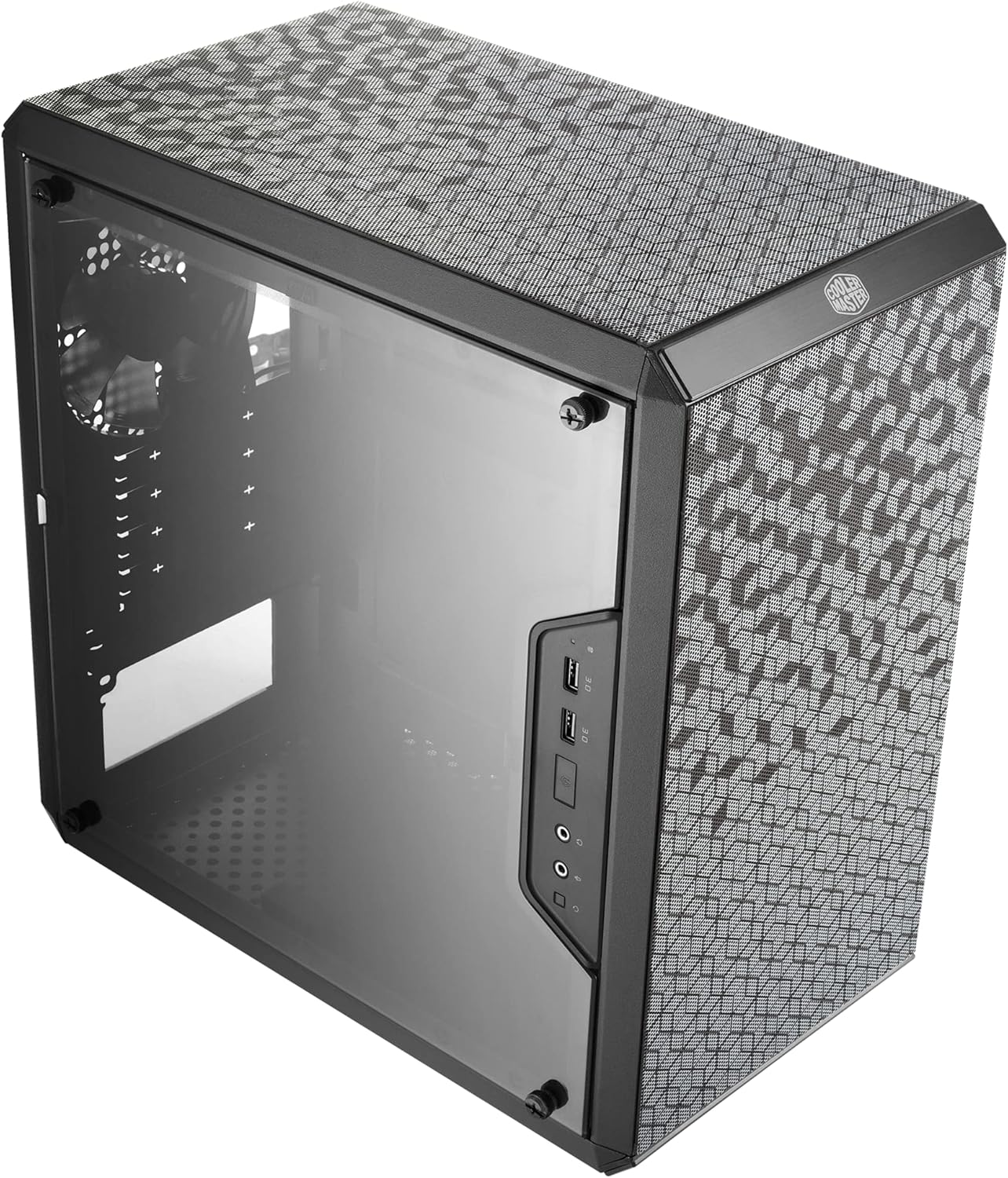
- Micro-ATX: Supports moderately compact cases but requires more space than Mini-ITX. Ideal for small desktops without sacrificing too much expandability.
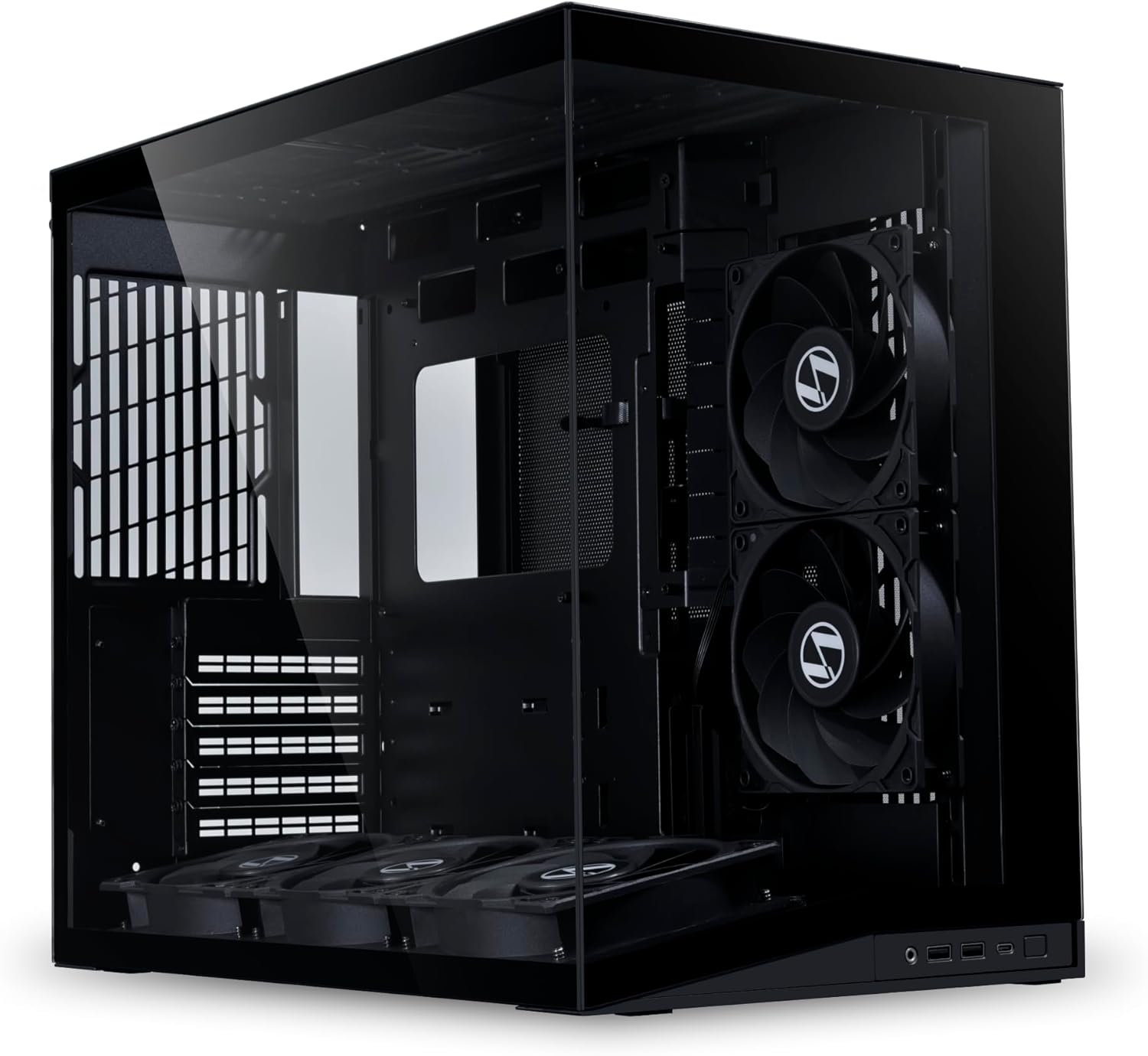
- Mini-ITX: Compatible with ultra-compact cases, making it ideal for portable or space-constrained setups. However, it limits internal space for components.
Key Takeaway
Go for Mini-ITX if portability is a priority, but stick with Micro-ATX if you value a balance between size and versatility.
Expandability and Features
- Micro-ATX: Offers up to four PCIe slots, allowing for additional GPUs, capture cards, or expansion cards. Comes with more SATA ports and DIMM slots.
- Mini-ITX: Limited to one PCIe slot and usually two DIMM slots. Expansion is minimal, so it suits simpler builds like compact gaming PCs or home theater setups.
Key Takeaway
If you plan to upgrade or add components in the future, Micro-ATX is the better choice.
Cooling and Thermal Management
- Micro-ATX: Larger cases allow for better airflow and more cooling options, including multiple fans or larger air coolers.
- Mini-ITX: Compact cases often struggle with airflow, requiring careful planning for cooling solutions. Smaller cases may also not support larger GPUs or CPU coolers.
Key Takeaway
Choose Micro-ATX for better cooling flexibility. For Mini-ITX, invest in efficient cooling solutions to avoid thermal throttling.
Budget Considerations
- Micro-ATX: Motherboards and cases are generally more affordable due to widespread availability and fewer design constraints.
- Mini-ITX: Higher cost for both motherboards and cases due to the compact design and specialized components.
Key Takeaway
Micro-ATX is a better choice for budget-conscious builders, while Mini-ITX is for those willing to pay a premium for portability.
Use Cases
Micro-ATX
- Budget gaming PCs: Offers room for upgrades.
- General-purpose desktops: Great for offices or home use.
- Light workstations: Enough expansion for entry-level professional use.
Mini-ITX
- Portable gaming rigs: Easy to carry to LAN parties.
- Home theater PCs (HTPC): Compact design fits in living rooms.
- Minimalist desktops: Perfect for sleek, modern setups.
Bottom Line
- Choose Micro-ATX if you want a balance of cost, expandability, and cooling options.
- Choose Mini-ITX if you need portability and space-saving designs, but be prepared for higher costs and limited upgrade paths.
Found this helpful? Check our curated picks on the home page.